
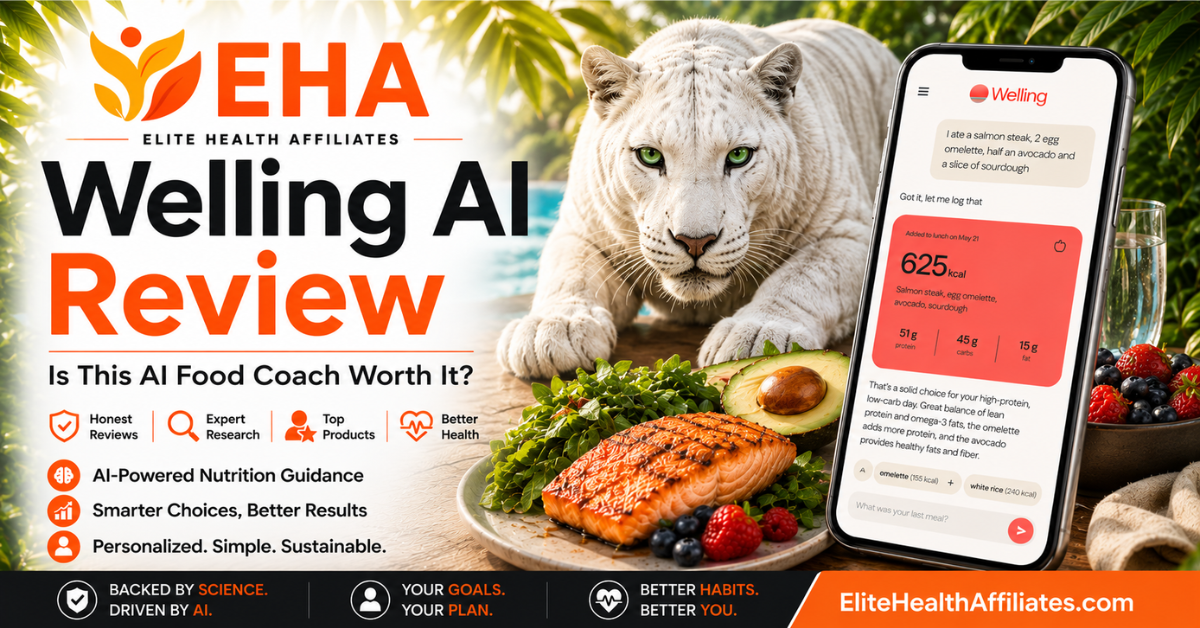
Is Welling AI worth it? So far, we think it is a strong option for users who value AI coaching, conversational food tracking, and a more interactive nutrition experience. The app is simple to use once you get familiar with the layout, and the AI interaction is the feature we like most.
The more time we have spent with Welling, the more positive our impression has become. Once we learned the best way to use its food-logging features, the app became much easier to trust and more enjoyable to use. In this review, we’ll look at where Welling AI stands out, how it compares with more familiar trackers like MyFitnessPal, and whether the added AI experience is enough to make it worth trying.
This post contains affiliate links. If you purchase through them, we may earn a small commission at no extra cost to you.
Table of Contents
What Is Welling AI?
Welling AI is a nutrition and food-tracking app that combines traditional calorie and macro tracking with built-in AI coaching. At its core, it does many of the same things users expect from a premium food tracker, including logging meals, monitoring calories and macros, tracking weight, and keeping up with daily habits. What makes Welling different is the way artificial intelligence is woven into the experience rather than simply added as a separate feature.
Instead of relying only on manual searches, Welling lets you log food by taking a picture of a meal, typing a description of what you ate, or photographing a nutrition label. The AI can then respond with feedback, answer questions, offer encouragement, and help you think through your choices throughout the day. That conversational element is the part that gives Welling its own identity instead of making it feel like just another calorie counter.
How Welling AI Works
Using Welling is fairly straightforward once you get familiar with the layout. You can enter meals in several different ways depending on what is easiest at the time. A meal photo works well when you want a quick estimate, text input is convenient when you already know what you ate, and nutrition-label photos give you another option for packaged foods.
After the food is entered, Welling adds the information to your daily log so you can follow calories, macros, and overall progress. The AI coach sits alongside that tracking system and lets you ask questions, get feedback, and receive encouragement instead of simply staring at numbers. In our testing, that interaction has been one of the most useful parts of the app because it makes food tracking feel more conversational and less mechanical.
Our Experience Using Welling AI
Our first impression was that Welling felt very different from MyFitnessPal even though many of the underlying features were familiar. We have used MyFitnessPal long enough that its layout feels automatic, so moving to Welling took a little adjustment. That initial learning curve was more about familiarity than difficulty, though, because the app itself is simple enough to use once you know where everything is located.
The AI quickly became the feature we liked most. Instead of only recording what we ate, we could interact with the app, ask questions, and get encouragement throughout the day. That gives Welling a more personal feel than a traditional food diary and makes it easier to understand why someone might prefer this style of tracking. As we have spent more time with the app and learned the best ways to enter food, our experience with the logging features has become increasingly positive as well.
Where Welling AI Has Impressed Us So Far
The strongest part of Welling is the AI integration. It feels useful rather than being included simply because AI is popular. Being able to describe a meal in normal language, ask follow-up questions, and receive immediate feedback creates a noticeably different experience from manually searching for every food item and building a meal one entry at a time.
We also like the flexibility Welling gives you when entering food. Meal photos, text descriptions, and nutrition-label images all provide different ways to get information into the app, and that can make everyday tracking feel faster and less repetitive. The app has also become easier to navigate the more we have used it, which makes the initial learning curve less concerning than it seemed at first.
So far, Welling’s biggest strength is not that it tracks more information than established competitors. It is that the AI makes the entire tracking experience feel more interactive and personal. The more time we spend with the app, the more we see that AI integration as a legitimate reason someone might choose Welling over a more traditional nutrition tracker.
Where Welling AI Falls Short
Welling AI has impressed us in several areas, and our testing has shown that its food logging can be very accurate when the image gives the app enough information to identify the product. The key is to include the product name and the nutrition label clearly in the same photo. When we did that, Welling matched the item and nutrition information correctly.
What we found funny was that Welling had much more trouble when we sent it a screenshot of our MyFitnessPal food log. Even though the screenshot clearly showed what had been logged, Welling interpreted the information very poorly and produced results that were nowhere close to what we expected. That is not necessarily a fair test of its normal food-logging workflow, but it did show us that Welling performs much better when you give it the type of image it is actually designed to analyze rather than asking it to interpret another app’s screen.
There are still places where the AI and the tracking system do not seem completely connected. Water consumption is one example we noticed during testing. You can discuss your water intake with the AI, but Welling makes it clear that the information does not automatically transfer into the hydration log. That creates an extra step that feels unnecessary in an app built around making everyday tracking easier through AI.
So far, our concerns with Welling have become more about learning how to use the app correctly and understanding its limitations than questioning whether the underlying technology works. The more time we spend with it, the more important that distinction has become.
How Accurate Is Welling AI?
Accuracy is one of the most important things we wanted to test because Welling is ultimately a nutrition tracker. What we have learned is that the quality of the information you give the AI matters. Meal-photo estimates naturally require some interpretation because an image cannot always reveal exact portion sizes, ingredients, cooking oils, or preparation methods, so some variation should be expected with any photo-based food tracker.
Packaged foods have been much more impressive once we learned the best way to photograph them. When we include the product name and nutrition label clearly in the same image, Welling has been able to identify the product and match the nutrition information accurately. That made a significant difference in our assessment because the issue turned out to be more about giving the AI enough context to identify the product correctly.
Our experience so far suggests that Welling works best when you give it clear, useful information rather than expecting the AI to fill in every detail on its own. Once we adjusted how we were using the feature, the results became much more dependable.
The AI Coach Is Welling’s Biggest Advantage
The AI coach is the feature that makes Welling stand out most from traditional nutrition trackers. Traditional nutrition apps are very good at collecting data, but they often leave the user alone to interpret that data. Welling tries to make the experience more interactive.
You can talk to the AI about what you ate, ask questions about your day, receive encouragement, and get feedback based on the information you have provided. That changes the experience from simply recording calories to actually interacting with something that is paying attention to your choices.
We have enjoyed this part of Welling much more than we expected. The responses feel encouraging without making the app unnecessarily complicated, and being able to communicate naturally makes the experience feel less mechanical than entering numbers into a traditional food diary.
Whether that AI connection is valuable enough to make someone leave an app they already know and trust is a different question. That is something we are still evaluating, but Welling’s AI is clearly more than a novelty in our experience so far.
Logging Meals With Photos, Text, and Nutrition Labels
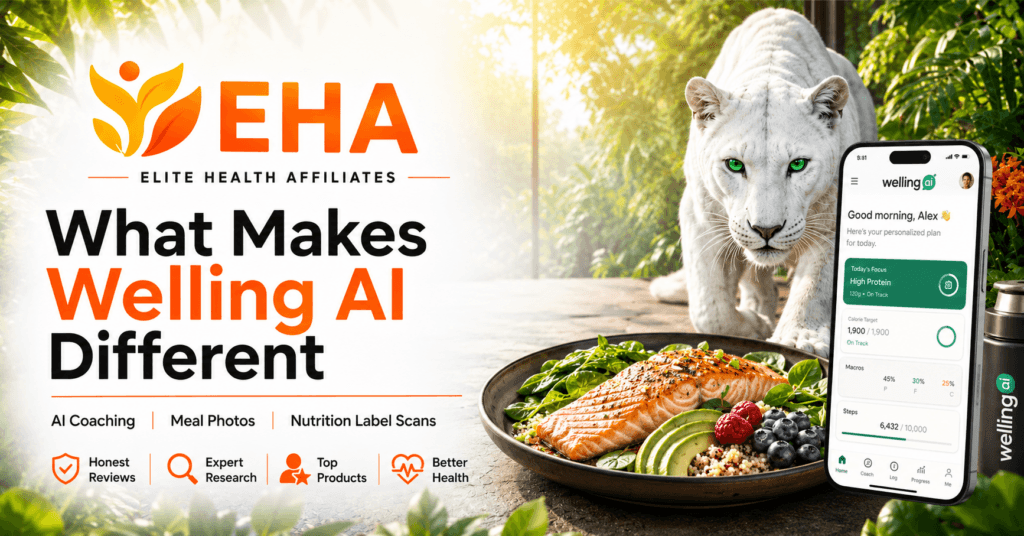
Welling gives users several ways to record food, and that flexibility is one of its better features. You can take a picture of a complete meal, describe what you ate through text, or photograph the nutrition information on packaged food. Different methods make sense in different situations, and being able to choose between them keeps logging from feeling overly rigid.
We particularly like text-based meal entry. Instead of searching for several foods individually, you can simply tell Welling what you ate in normal language and allow the AI to break the meal down. For home-cooked meals or combinations of several foods, that can be much quicker than traditional database-based logging.
Meal photos are also convenient when you want to record something quickly, although portion sizes and hidden ingredients can naturally affect the estimate. For packaged foods, we have found that nutrition-label photos work best when the product name and nutrition facts are both clearly visible in the same image. When we give Welling that extra context, it does a much better job of identifying the exact item and matching the nutrition information correctly.
The more time we have spent with these different input methods, the more useful they have become. Once you learn which type of image or entry works best for each situation, Welling can make everyday food logging feel fast and flexible.
Does Welling AI Make Food Tracking Easier?
In many ways, yes. Welling reduces a lot of the repetitive searching and tapping that can make traditional calorie tracking tedious. Being able to type a sentence about what you ate, take a quick meal photo, or photograph a packaged food can make the process feel much faster and more natural.
The learning curve is mostly about becoming familiar with where Welling puts everything. Coming from MyFitnessPal, we initially found ourselves looking for features in places where we were accustomed to seeing them. The more we have used Welling, however, the easier the interface has become.
Once we learned the best way to use the different logging options, the overall experience became much smoother. The combination of quick food entry and AI feedback makes Welling feel less like manually maintaining a food diary and more like interacting with a nutrition assistant throughout the day.
Welling AI vs MyFitnessPal and Other Alternatives
Welling is entering a crowded category with several established nutrition apps already competing for the same users. MyFitnessPal is the obvious comparison because it offers many of the same core tracking features and has the advantage of familiarity, a large food database, barcode scanning, and years of user history behind it.
Where Welling tries to separate itself is through AI. Its conversational coaching, text-based meal logging, photo input, and nutrition-label scanning make the experience feel more interactive than a traditional food diary. That gives Welling a genuine point of difference, especially for users who find manual logging repetitive or who want more feedback throughout the day.
The tradeoff, based on our testing so far, is familiarity. MyFitnessPal feels more established simply because many users already know the interface, understand where everything is, and have years of habits built around it. Welling feels more innovative and interactive, but there is still a learning curve as you get used to a different layout and workflow.
Other alternatives such as Lose It!, Cronometer, YAZIO, MacroFactor, and newer AI-focused apps also compete for this same audience. We plan to add more detailed comparisons as we spend additional time with Welling, but our early impression is that Welling’s best chance to stand out is through the overall AI experience. If that coaching and conversational interaction continues to add real value, Welling has a legitimate way to separate itself from more traditional nutrition trackers.
Welling AI Pricing and Value
Welling competes in roughly the same premium nutrition-app market as several established food trackers, which makes the value question especially important. If users are already willing to pay for advanced calorie and macro tracking, Welling has to offer something compelling enough to justify choosing a newer platform.
The AI coaching is currently the strongest argument in Welling’s favor. You are not simply paying to unlock more charts or tracking features. The premium experience is built around having an AI assistant available alongside the traditional food and nutrition tools.
For someone who enjoys encouragement, asking questions, and interacting with an AI throughout the day, that added experience could provide considerably more value than a traditional tracker. At roughly the same price point as other premium nutrition apps, the question really comes down to whether you value the AI connection enough to make it part of your everyday routine.
That is why we do not think Welling’s value can be judged only by comparing feature lists. The real value is in how much the AI improves the experience for you.
Who Is Welling AI Best For?
Welling makes the most sense for someone who wants more interaction from a nutrition app. If you like the idea of describing meals conversationally, receiving feedback about your choices, and having an AI coach provide encouragement throughout the day, Welling offers an experience that feels noticeably different from a traditional calorie tracker.
It may also appeal to people who have tried food tracking before but eventually stopped because logging everything became tedious. Being able to use photos and natural-language descriptions can make the process feel less like maintaining a spreadsheet and more like having an ongoing conversation about your nutrition.
Welling may be especially appealing to users who are open to learning a different workflow in exchange for a more interactive experience. Once you get familiar with how the app handles meal photos, text input, and packaged foods, the overall process becomes much more natural.
Welling AI Pros and Cons
What We Like
- The AI coaching is genuinely useful and encouraging
- Meal logging can be done with photos, text, or nutrition-label images
- Conversational food entry can save time
- The interface becomes simple once you learn where everything is
- Calories, macros, weight, hydration, and other everyday tracking features are available in one app
- The experience feels more interactive than a traditional food diary
What We Don’t Like
- Some AI information does not automatically transfer into the appropriate tracking log
- The interface takes some adjustment for users accustomed to other trackers
- Welling does not yet have the same familiarity and long-established ecosystem as older competitors
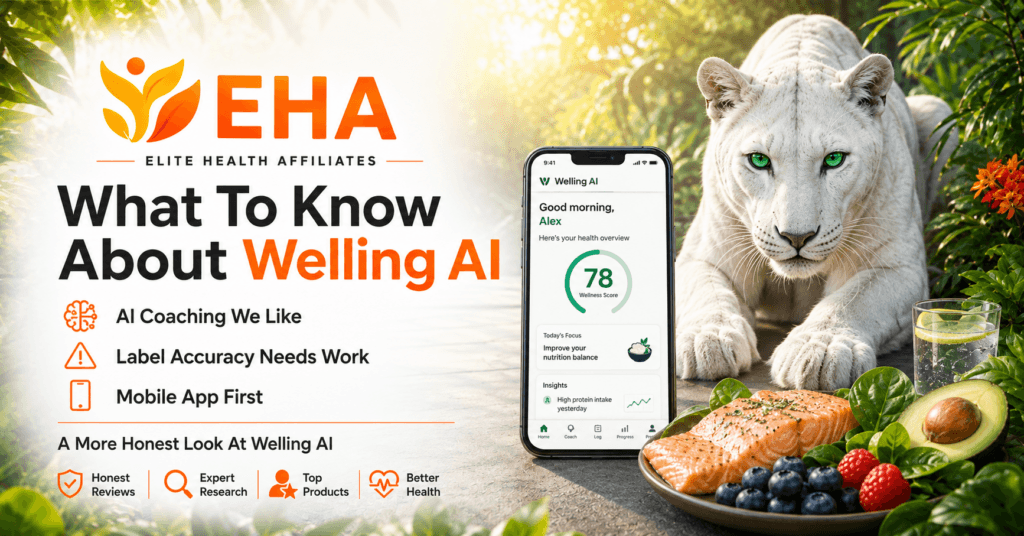
Is Welling AI Worth It?
Our current answer is yes, for the right user.
We like Welling much more than we expected to when we first started testing it. The AI coaching is the standout feature, the app is easy to use once you become familiar with the layout, and the different food-entry options make everyday tracking flexible. There is a legitimate reason to consider Welling if you are looking for something more interactive than a traditional calorie tracker.
The more we use Welling, the more comfortable we have become with the way it handles food logging. Once we learned how to provide clear product information and use the app the way it is designed, the results became much more consistent. Combined with the AI coaching, flexible meal-entry options, and simple interface, Welling feels like a genuinely strong alternative rather than just an interesting new app.
For now, we see Welling as a promising AI nutrition app that is already doing several things extremely well. We are continuing to use it, and we will update this review as we gain more experience with the app and its features continue to evolve.
Frequently Asked Questions About Welling AI
Is Welling AI free?
Welling can be downloaded for free, and the app currently offers a free trial on eligible premium plans so you can test the full experience before paying. After the trial, continued access to premium features requires a subscription. Subscription options and promotional offers can change, so we recommend checking Welling’s current offer before signing up.
Does Welling AI use artificial intelligence to track food?
Yes. AI is central to the Welling experience. You can describe meals through text, submit food photos, photograph nutrition labels, and interact with the AI coach for feedback and encouragement.
Can Welling AI track calories and macros?
Yes. Welling tracks calories and macronutrients such as protein, carbohydrates, and fat, along with other information designed to help users follow their daily nutrition.
Can you take a picture of food with Welling AI?
Yes. Welling allows meal-photo logging. The app analyzes the image and estimates the food and nutrition information. As with any photo-based food tracker, results can vary depending on portion sizes, ingredients, and how clearly the meal is shown.
Can Welling AI read nutrition labels?
Yes. You can photograph a nutrition label and have Welling use the information to help create an entry. In our testing, the best results came when the product name and nutrition label were both clearly visible in the same image.
Does Welling AI track water?
Yes, Welling includes hydration tracking. One limitation we have encountered is that discussing water consumption with the AI does not necessarily mean that information will automatically be added to the hydration log, so users may still need to record it separately.
Is Welling AI better than MyFitnessPal?
We are not ready to say that Welling is better for everyone, but it does offer a more interactive experience. Welling’s AI coaching and conversational food logging give it a real advantage for users who value ongoing feedback, while MyFitnessPal still has the benefit of familiarity and years of established use. We are continuing to compare the two and will add a more detailed comparison after additional testing.
EHA Verdict

Welling AI has given us one of the more interesting nutrition-app experiences we have tested because the AI actually changes how you interact with the tracker. We like being able to talk naturally about meals, receive encouragement, and get feedback instead of simply entering numbers and moving on.
What matters most is whether Welling delivers enough value in everyday use, and the more time we spend with it, the more positive our impression has become. Once we learned the best way to use the food-logging features, the app became more consistent and much easier to trust. Combined with the AI coaching, flexible meal-entry options, and straightforward interface, Welling now feels like a serious alternative for anyone looking for a more interactive approach to nutrition tracking.
Our verdict is that Welling AI is absolutely worth trying if you are looking for a more interactive nutrition tracker with useful AI coaching, flexible food logging, and an experience that feels more personal than a traditional calorie-counting app.
Where to Try Welling AI
If Welling’s AI approach sounds like a good fit for the way you prefer to track food and nutrition, you can try the app and see how the coaching, flexible food logging, and interactive features fit into your routine.
Elite Health Affiliates readers can use code EHA15 to receive 15% off. Because Welling is an app-based service, we recommend opening the offer on the mobile device where you plan to install and use the app whenever possible.
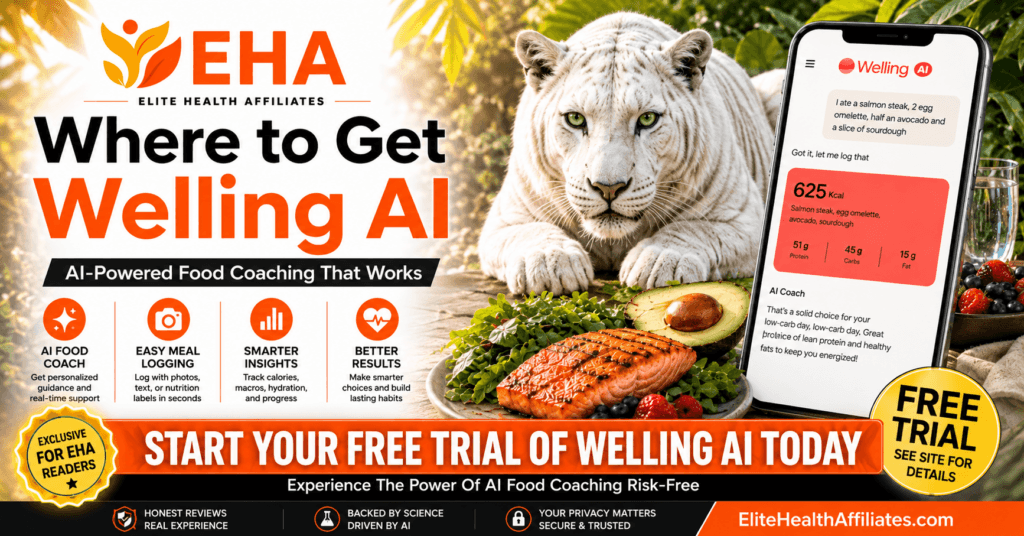
Ready to Try Welling AI?
Upgrade and Save 15% with code EHA15
Explore More Nutrition & Weight Management Guides
Choosing the right nutrition tools is only one part of building habits that work over the long term. Visit our Nutrition & Weight Management category for more EHA guides covering healthy eating, weight management, calorie tracking, and tools designed to make everyday health decisions easier.